Last update: Apr 10 2025
Creating content today is easier than ever — by simply taking out your phone and start snapping photos or recording video. No doubt about that. But using dedicated equipment for content creation offers some key advantages. One of the biggest is battery life, especially if you're relying on your phone for everything.
Personally, I’m a camera person. When creating content for clients, I’ve used Canon, Blackmagic, and Sony gear. When it comes to convenience—especially for capturing events, interviews, reviews, behind-the-scenes footage, and social media content—we prefer lightweight equipment.
And just to mention some stats about how relevant video content is today check these stats:
From cameras and lighting to audio gear and accessories, this is our team equipment. This list contains equipment that helped our team produce high-quality content efficiently and consistently. Whether you're just starting out or looking to upgrade your setup. We hope this list gives you helpful ideas and inspiration for your own content creation journey.
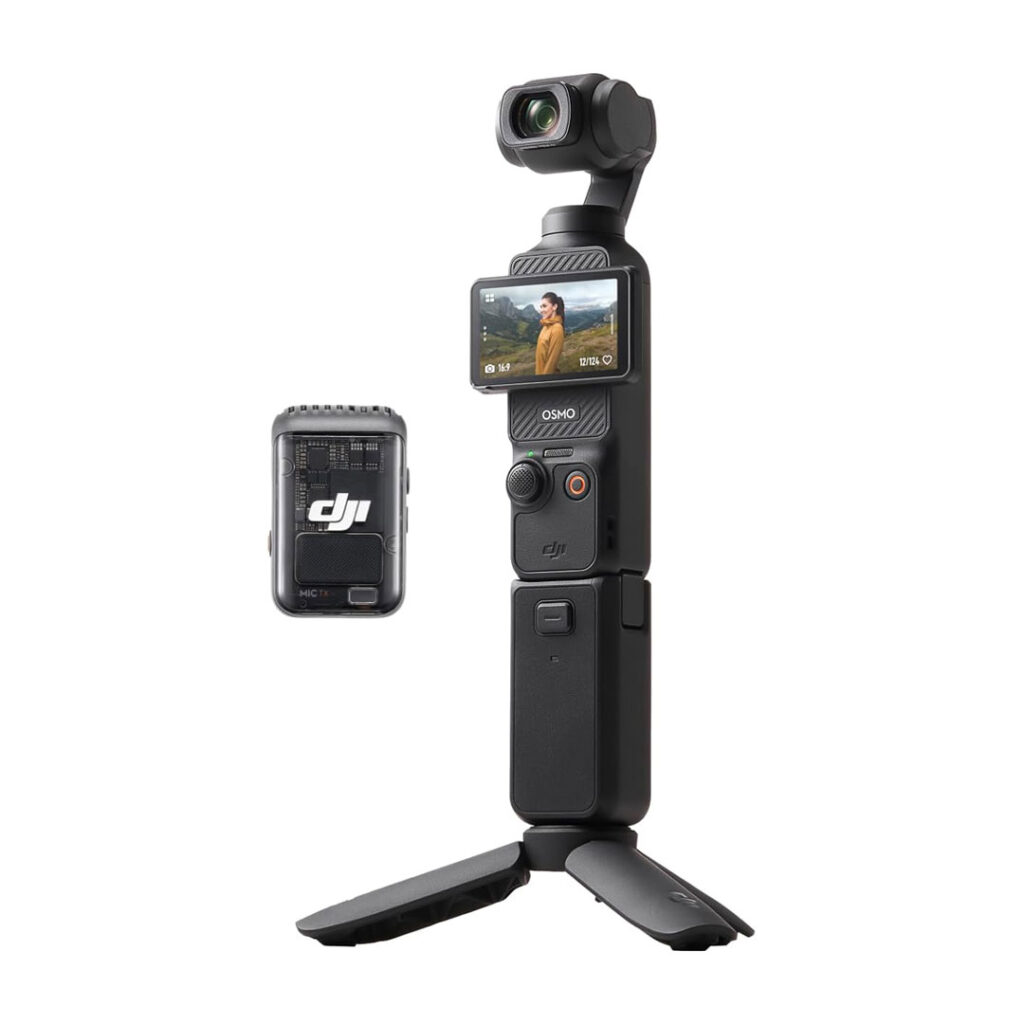
This camera equipment is perfect for content creation, and this creator kit comes with the basics. This set includes an extended battery and the stand. This setup comes with a DJI mic 2 transmitter.
If you are creating single person videos DJI mic 2 is the right mic for you. Connect your mic directly to your DJI Pocket 3. If you are planning to have more that one person we would suggest buying the DJI Mic 2 System. The DJI Mic 2 System that comes with two microphones separately. In any case this is a good starting point. If you go down on this list you will see the DJI Mic 2 system we are talking about.
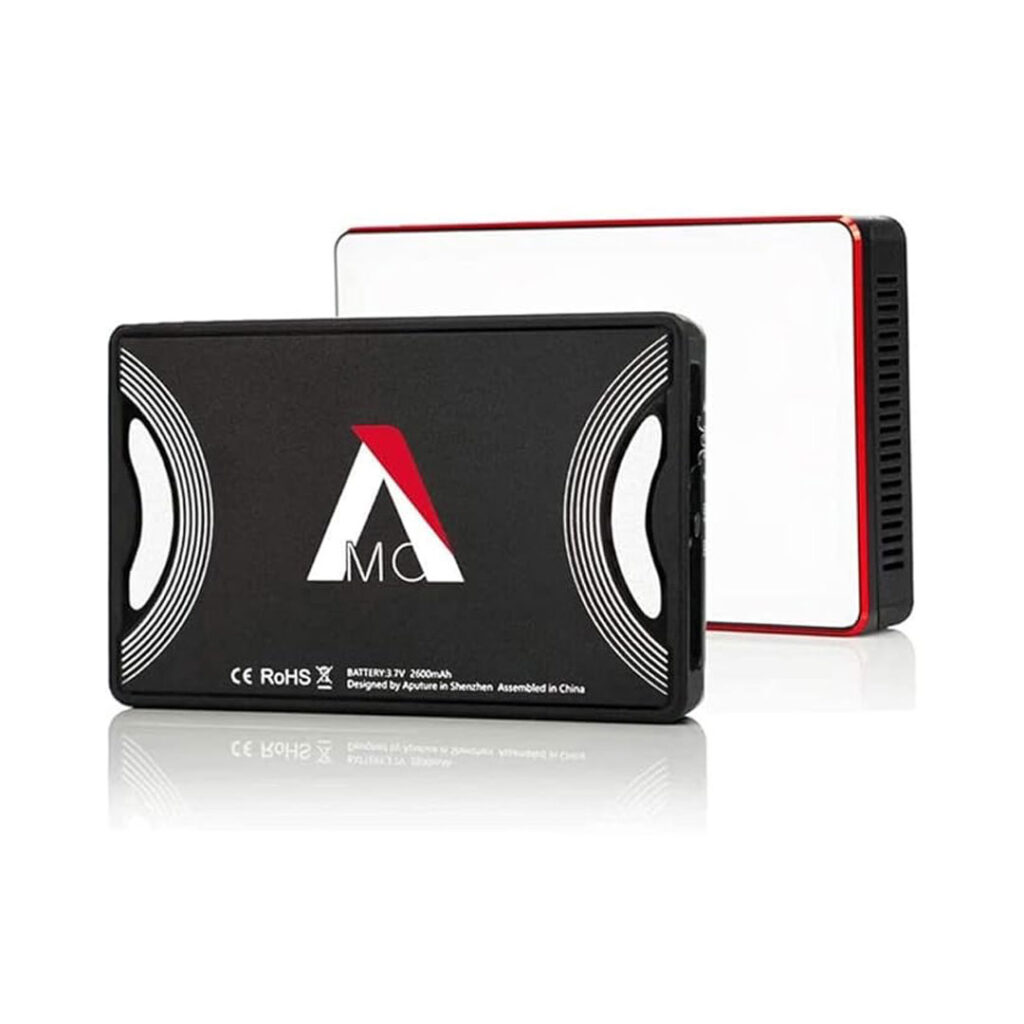
If you are creating content in low light situations this may be the right option for you. If you want to give some color to your scene, this is a great light for that. Super lightweight and comes with magnets in the back so you can attach it to any metal surface. You can use a little arm and connect this to your DJI Pocket 3 rig system. We have use this for night events and can't tell you enough how this light helped us in those situations.
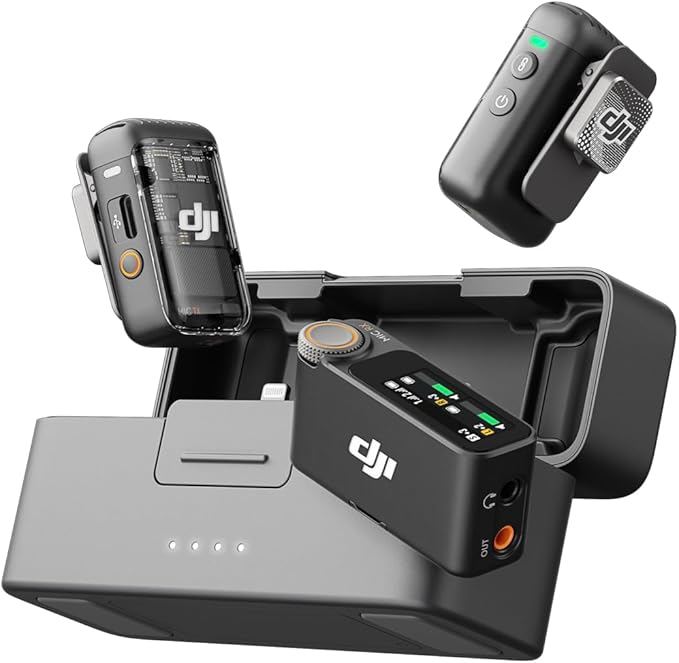
This mic system works seamlessly with the Pocket 3. Allowing you to record in 32-bit—which means you can recover audio. Even if the levels are too high or too low you could recover them. In addition to sending audio directly to the Pocket 3, this equipment also records internally. This option gives you valuable redundancy in case anything goes wrong with the wireless signal.
DJI offers some other, more affordable options, but what sets the DJI Mic 2 apart is its input jack. This jack lets you connect a lavalier mic for more discreet setups. This system is incredibly versatile: it includes an adapter that works with both iPhone and Android devices. Offers a signal range of up to 820 ft (250m). You can choose between a version with 1 transmitter and 1 receiver, or 2 transmitters and 1 receiver. Having two microphones available is ideal for interviews or situations where you need mics in multiple locations.
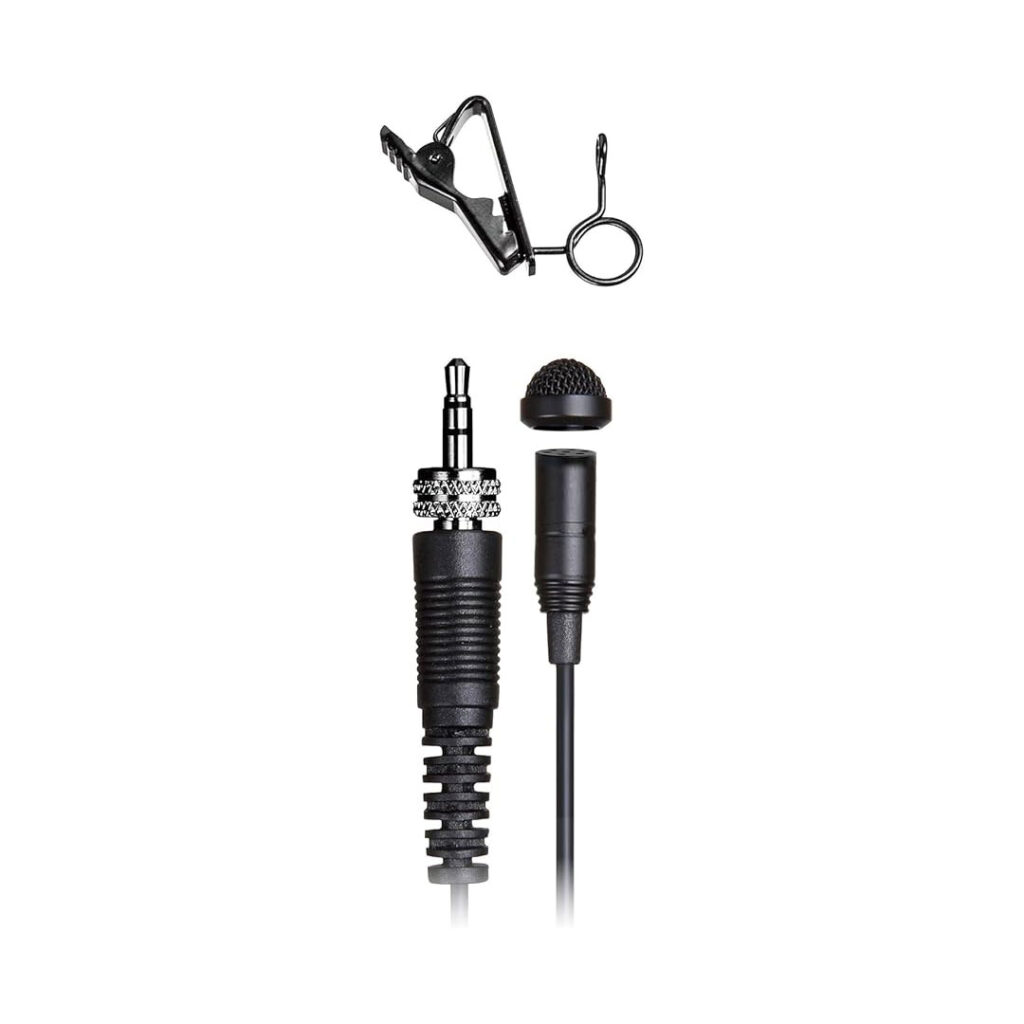
If you want to level up and record audio like a pro, we would suggest investing in a lavalier mic. There are many out there, this one is a great option, it gives you very decent audio quality. We used this for different types of productions like interviews. They are also great if you don't want them to be visible to from the camera.
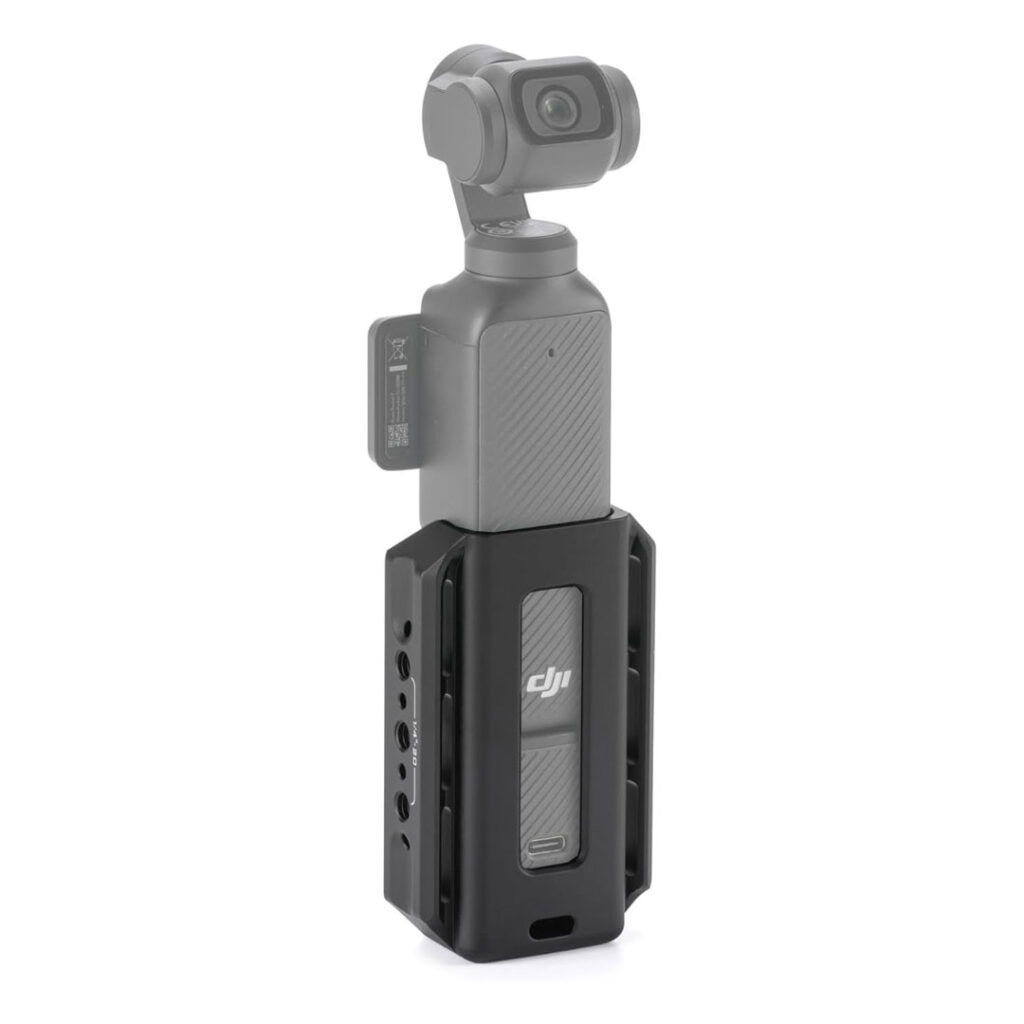
This accessory is perfect for attaching additional equipment—like a grip for more stability and support when holding your DJI Pocket 3, or an arm to mount a light, mic receiver, or even a battery bank. We found this Tilta option, which we really like, and we use it to attach our dual handle for better control during shoots.
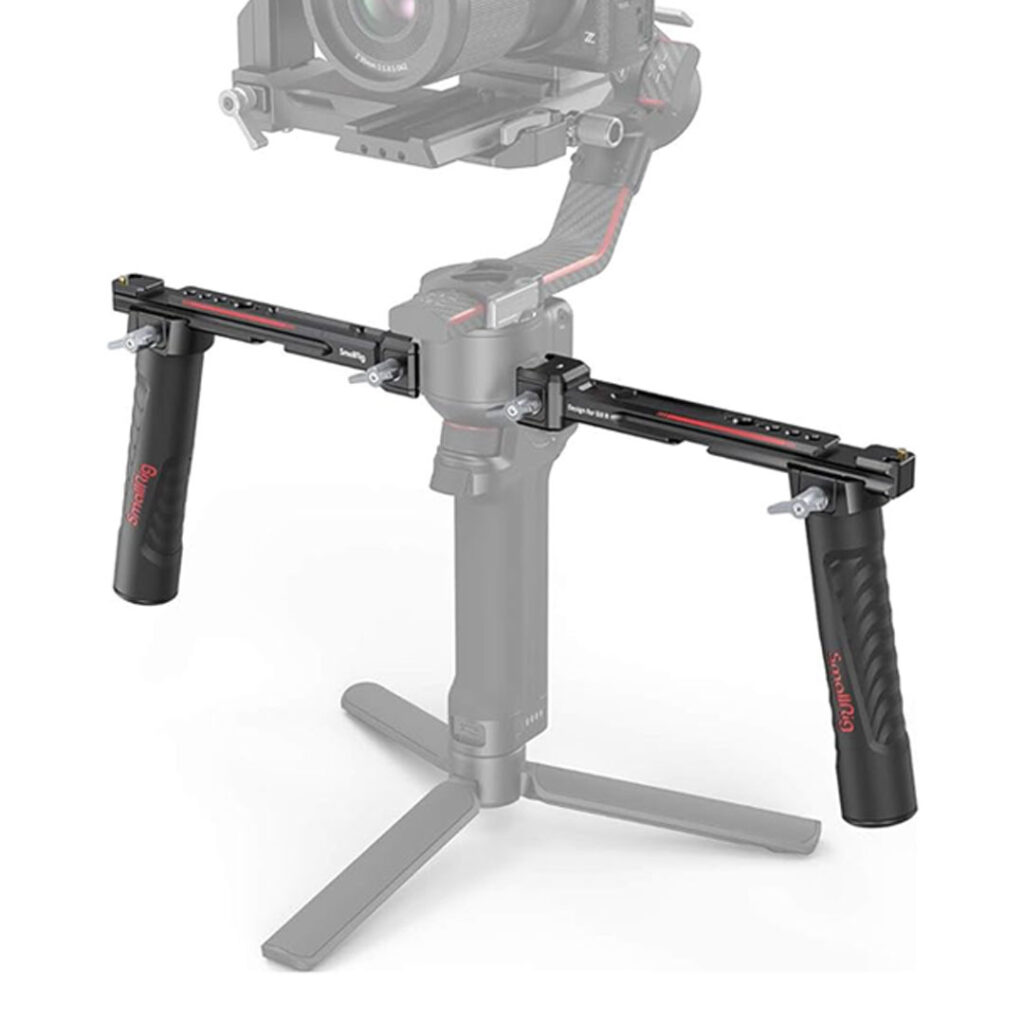
I've been using the DJI dual handles for a long time with my DJI Ronin, and they’ve been the perfect addition to my setup. When we got the Pocket 3, we started using the arm every time—we found that it provides more comfort when recording and gives us multiple mounting points for additional equipment and accessories, like attaching a phone to monitor footage using the DJI Mimo app.
Unfortunately, the Switch dual handle is no longer available, but we’ve found two great alternatives that offer solid support and flexibility. The first is the DJI Twist, which gives you an additional way to use your Pocket 3—allowing you to hold the camera at lower angles for dynamic shots. The second is a SmallRig option, which is a bit more affordable but still highly functional for mounting your gear.
We’ve linked both options below so you can compare and choose the one that works best for your setup.
DJI Twist - Check on Amazon | Smallrig - Check on Amazon
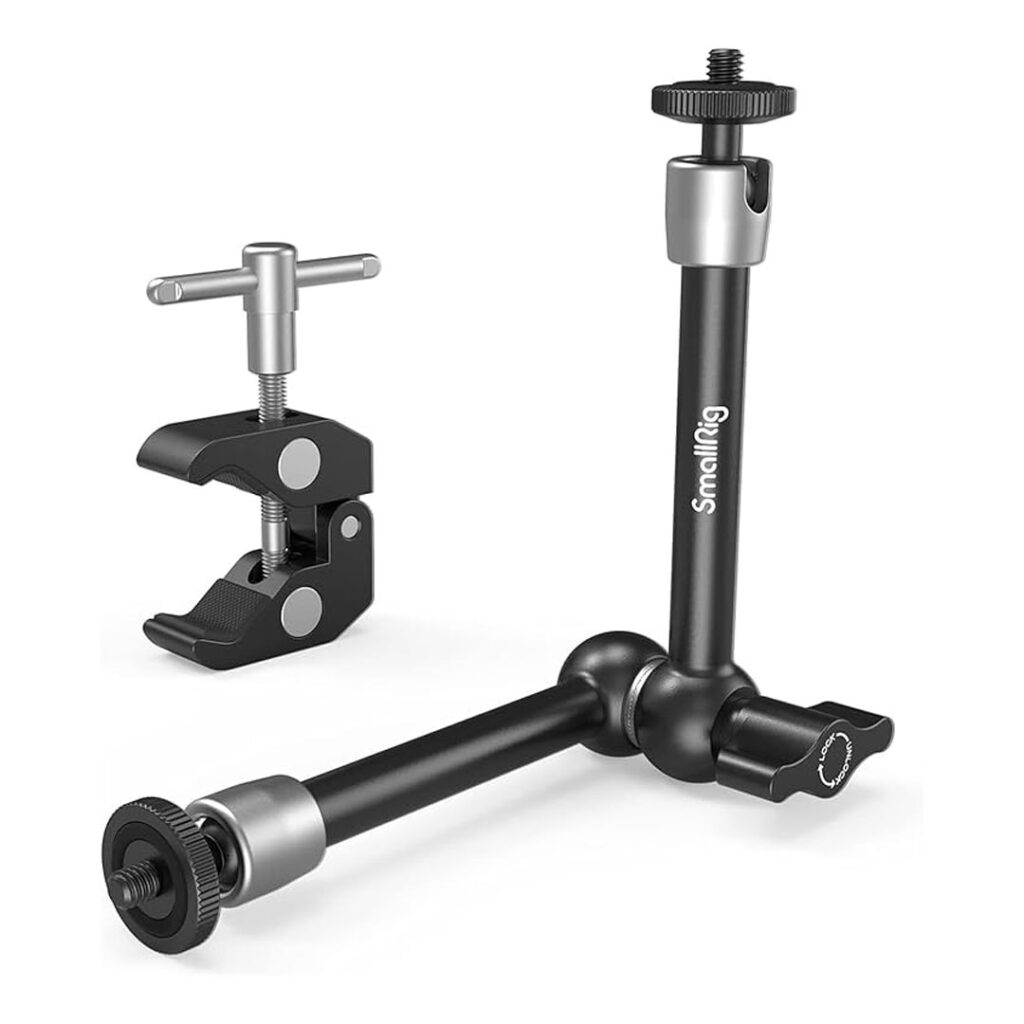
This little thing helps me attach a light to my handles and the position it on top of the camera, to make sure we can have some extra source of light when shooting specially in low light conditions.
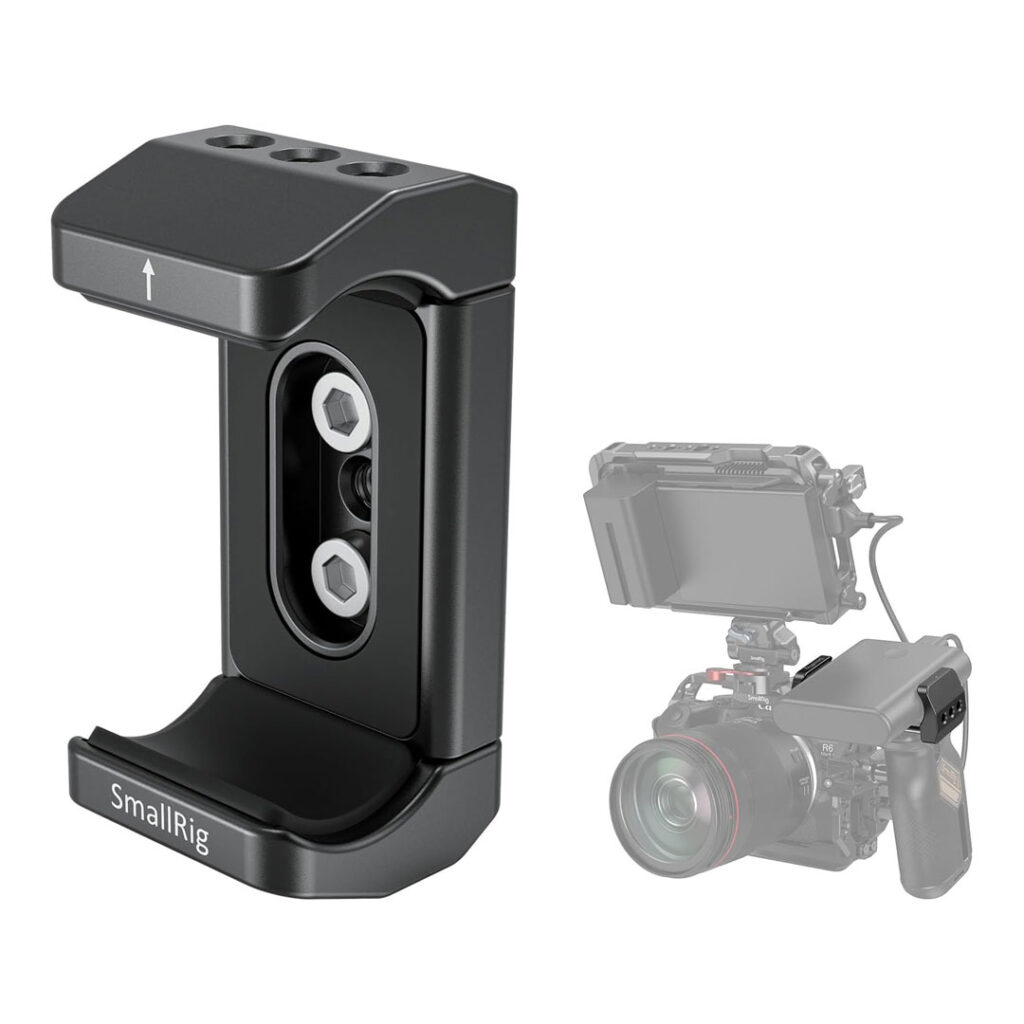
This little piece is generally use for mounting power banks, and we use it not only for that but also to hold my phone, that way we have a bigger monitor to accompany the DJI Pocket 3. If you are using a handle you can use some screws to attach this to the handle, or you can use a mini ball head mount to be able to position your phone in different angles.
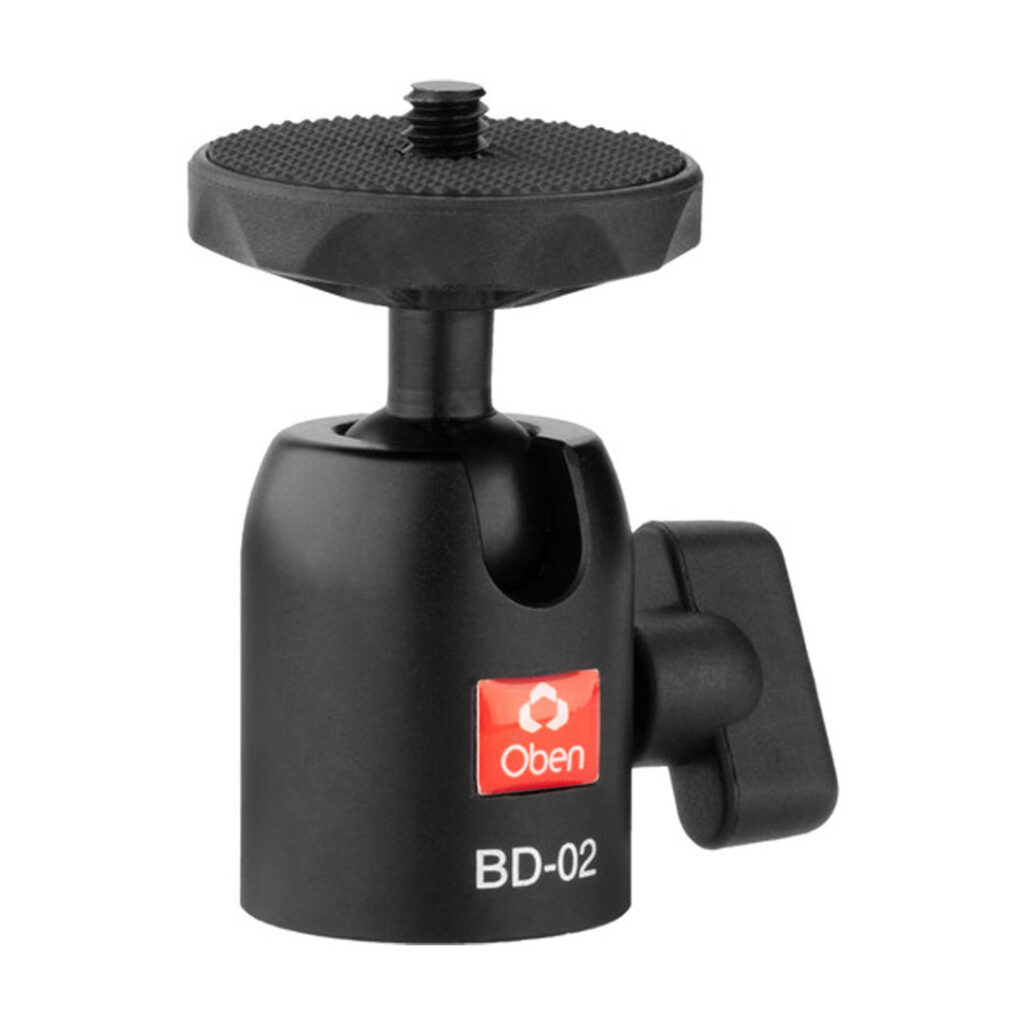
This is a tiny little ball head is super useful, we have tried different ones and the grip on this on is excellent, combining this with a mount clamp you can then attach your phone, this way you can turn it around to set the phone horizontally or vertically and change the angle.
One useful tool for recording, specially if you are by yourself is a tripod or if you don't have one and you are using a light equipment, like your the DJI Pocket, a Go-Pro or your phone, you can use a light stand, here are some options.
The first one is from Impact, this aluminum Impact Air-Cushioned Light Stand rises to a height of 8' and folds down to 29.6".
The second one is from Neewer 8.5ft/2.6m Air Cushioned Light Stand with a 1/4" to 3/8" Reversible Spigot, for the price and quality I would go with the Impact one, for convenience I would go with the Neewer option, specially if you have Amazon Prime.

Imapact Stand on B&H | Neewer Stand on Amazon
If you're looking to start creating content for your own business—or even offer content creation as a service for others—you're in the right place. Whether you're just starting out or looking to take your content to the next level, having a solid strategy and the right tools can make all the difference. Check out our article, "How to Create Great Content for Social Media as a Business" where we break down actionable tips, content ideas, and tools that can help you build a strong online presence, connect with your audience, and grow your brand with purpose and creativity.
Ready to record in a professional setup? If you want to take your content to the next level without investing in all this equipment yourself, our podcast and video studio in Weston, FL has everything ready — cameras, microphones, professional lighting, and a full production team. Book a session at Devsign Media’s studio →
Disclosure: Some of the links in this post are affiliate links. If you click on a link and make a purchase, we may earn a small commission at no extra cost to you. Please note that we are not paid by any of the brands mentioned to promote or make comments in their favor. All comments and suggestions are based on our personal experience and not influenced by the products we review or mention. Your support helps us continue providing valuable and useful information. Thank you!